
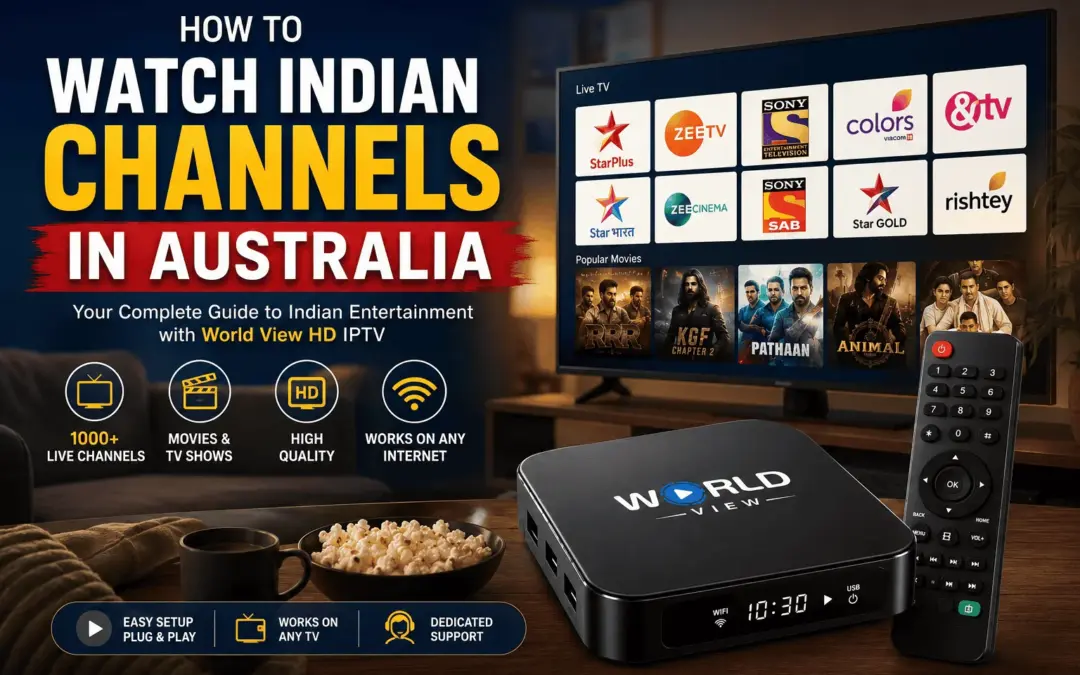
Indian families in Australia now make up the country’s largest migrant group, ahead of every other nation of birth. That single fact tells you something: the demand for Hindi, Tamil, Telugu, Punjabi and Malayalam TV here is bigger than most cable providers ever planned for.
Yet if you have tried to find your favourite serial or catch a cricket match on Foxtel, you already know the problem. Local providers barely touch Indian content. Free-to-air TV ignores it completely. So people end up piecing together three or four different apps, and half of those do not even work properly outside India.
This guide covers how to watch Indian channels in Australia, from free options and official apps to a single subscription that lets you watch Indian TV live in Australia without the extra logins. We look at what each option costs and which devices work best.
The Quick Answer: One Subscription, Every Channel
The simplest way to watch Indian channels in Australia is through an Indian IPTV service built for the diaspora, such as World View HD. One subscription gives you live Hindi, Tamil, Telugu, Punjabi, Malayalam channels and more, along with movies and sport, on your TV through the World View HD IPTV box, or on your phone and tablet through the World View HD mobile app. You skip the satellite dish entirely, and you stop juggling five different logins.
If you only read one paragraph, that is the one. The rest of this guide covers the details, including a few free routes worth trying first.
Can You Watch Indian Channels in Australia for Free?
Before you commit to a subscription, here’s what the free routes actually get you.
A few legitimate free options exist. JioCinema’s free tier carries some Star and Colors content. Several channels post full episodes on their official YouTube pages, so you can catch up on a serial without paying anything. Some OTT apps also run short free trials.
These options come with real limits, though. Expect ads breaking up every episode. Buffering tends to show up during peak hours too. Catalogues also run thinner, because free tiers rarely carry everything a paid plan does. Live sport is the biggest casualty: free options almost never carry cricket reliably, because broadcasters license live rights separately and charge for them.
Free works well for casual viewing, for example catching up on one show or testing whether you’ll even use Indian TV regularly. However, if you want reliable Hindi, Tamil, Telugu, Punjabi and Malayalam channels without juggling five logins, the paid routes below solve that properly.
5 Ways to Watch Indian Channels in Australia
There are five realistic paths here. Each one suits a different household, so match the option to how you actually want to watch.
1. OTT apps
These are the Indian TV apps Australian viewers turn to most, and each one covers a slice of what you actually want to watch:
- JioHotstar: holds most of the big cricket rights, including the IPL, so it is the app most people open during a match
- ZEE5: leans on its Hindi library and regional shows
- Sun NXT: covers Tamil, Telugu, Malayalam and Kannada content well, since it comes from the Sun TV Network
- SonyLIV: strong on Hindi drama and reality shows, plus select sport
The catch is that no single app covers everything. A household that watches Hindi soaps, Tamil movies and cricket ends up paying for three subscriptions. Even then, some services block certain shows by region or leave them out entirely. That gets expensive, and it gets confusing fast, especially for parents or grandparents who just want to switch on the TV and watch.
2. One IPTV Subscription Instead of Four Apps
This is where a service like World View HD changes the picture. For most households, one subscription beats three separate app logins. World View HD operates as a licensed service, not a grey-market box, so you get:
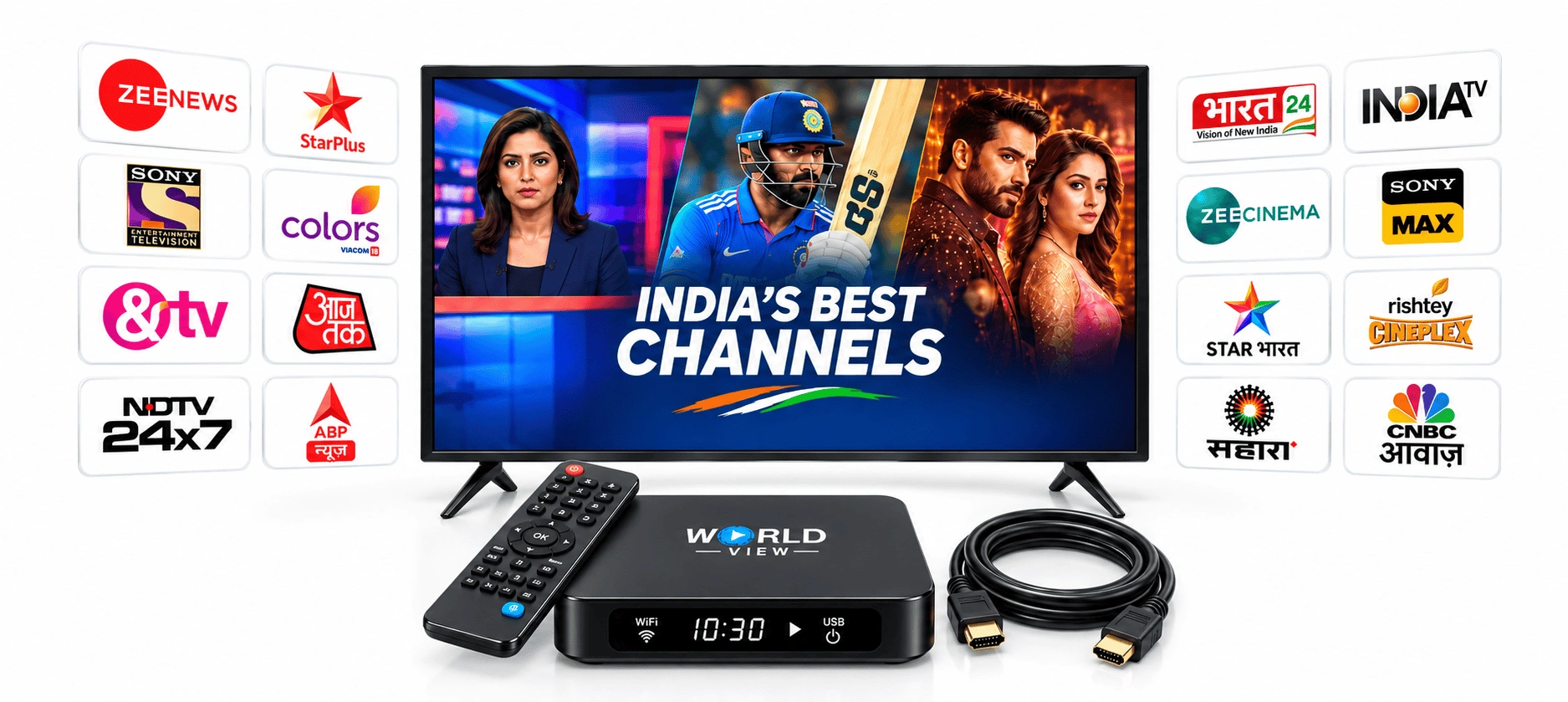
- Channels: Star Plus, Zee TV, Colors, Sony Entertainment Television, Sun TV and Star Vijay (Vijay TV)
- Languages: Hindi, Tamil, Telugu, Punjabi, Malayalam and Kannada
- Extras: a deep library of Bollywood movies for weekend nights in, plus live sport
Because it runs over IPTV rather than satellite, there is no dish to install and no waiting on a technician. You sign up, activate the box or app, and the channels are there. See current plans and pricing on the World View HD website if you want to compare against what you are paying for separate apps right now.
3. Mobile App for Phone and Tablet
World View HD does not run a Smart TV app. What it does have is a dedicated mobile app for Android and iPhone, so you can download it from the World View HD website, log in with your subscription details, and your channel list loads automatically. This suits watching on your phone or tablet, at home or on the go. If you want the same channels on your actual TV screen, that’s what the World View HD IPTV box is built for, covered in Way 5 below.
4. Firestick Setup
World View HD does not have a dedicated Firestick app either, so a Firestick alone will not get you Indian channels. If Firestick is your main device, the World View HD IPTV box still connects to the same TV over HDMI alongside it, so you are not choosing between the two, you are adding the box for live channels while keeping the Firestick for Netflix, Prime Video and other on-demand apps.
Want the full breakdown on price, setup, and which device is better for Indian channels and live cricket? See our full Firestick vs IPTV box comparison.
5. A Dedicated Indian TV Box
Some households prefer a box built for the job instead of an app tucked inside a Smart TV menu. That’s what a dedicated IPTV box offers.
The full World View HD box package includes the remote, an HDMI cable, and a year of access, so it works straight out of the box. Setup takes three steps: plug it in, connect it to Wi-Fi, and activate your account. Because the box comes with its own remote and a simple menu, it suits parents or grandparents who would rather avoid navigating a Smart TV’s app store.
There’s no legitimate free version of a dedicated box. The free options covered earlier are your app-based route. What you’re paying for here is the hardware itself and the year of access bundled in.
See what’s included in the full box package → Or, if you’d rather understand the setup first, check the full box setup walkthrough before you buy.
Cricket is probably why you're here
Picture someone trying to catch the IPL final on a work night, only to find the match is buried behind a login they cancelled months ago. For a lot of families, cricket is the whole reason they wanted Indian channels in the first place. Star Sports and JioHotstar, between them, hold most of the major rights, from IPL matches to India’s overseas tours. A good IPTV subscription bundles sports channels in with entertainment, so you are not paying separately just to watch a Test match or an IPL final.
The cheapest way to watch Indian channels in Australia
Here is where the maths gets interesting. Add up a JioHotstar subscription, a ZEE5 plan and a Sun NXT plan, and you are often paying more than you would for one IPTV subscription that covers the same ground plus dozens of extra channels. A single Indian channel subscription in Australia, priced right, beats paying for three separate apps every month.
World View HD offers a few ways in:
- Full box package: remote, HDMI cable and a year of access included, best for new customers starting from scratch
- Simple recharge: for anyone who already owns a World View HD box
- Activation code: if you already have a compatible device
Plans start at an affordable monthly rate, check the current pricing here, and whichever route you take, it works out cheaper than running multiple OTT subscriptions side by side. You are not stuck figuring out which app has the show you actually want to watch.
Watching Indian Channels in Sydney, Melbourne, Perth and Brisbane
Wherever you live in Australia, the setup stays the same. Indian communities are largest in Sydney, Melbourne, Brisbane, and Perth, and NRI households in each of these cities are increasingly switching to one IPTV subscription instead of juggling separate apps. World View HD works the same way in all of them, because it runs over your home internet rather than a local satellite signal. As long as you have a stable connection, distance from a capital city does not matter.
Ready to Stop Juggling Apps?
That’s really all there is to how to watch Indian channels in Australia: check the free options first, then pick one subscription instead of several if you want it reliable. World View HD offers a complete box package for new customers, a simple recharge for existing box owners, and an activation code if you already have a compatible device. Whichever option fits your household, you get your channels back without the extra subscriptions.
FREQUENTLY ASKED
Can I watch Hindi channels on a Smart TV in Melbourne?
Yes, but not through a Smart TV app. World View HD carries Hindi, Tamil, and every other language in the subscription through the dedicated IPTV box, connected to your TV over HDMI, so Melbourne households get the same channel list as everywhere else.
Who do I contact for IPTV box installation in Melbourne?
Message the team on WhatsApp, and they’ll walk you through box setup and installation, wherever you are in Melbourne.
Is there an Android TV box option for Tamil and Malayalam channels in Perth?
Yes. The Android TV box carries Tamil, Malayalam, and every other language in the subscription, and because it runs over your internet connection, Perth’s distance from the eastern states doesn’t affect the stream.
What's the best way to watch Indian channels in Sydney?
For most Sydney households, one IPTV subscription still works out simpler and cheaper than combining several apps.
Which languages and channels can I watch with World View HD?
You can watch international live television alongside regional-language programming, including Hindi, Tamil, and Malayalam content. World View HD brings together live TV, movies, and family entertainment from around the world in one place.