
A Multilingual IPTV Streaming Box for Your Family
Home »
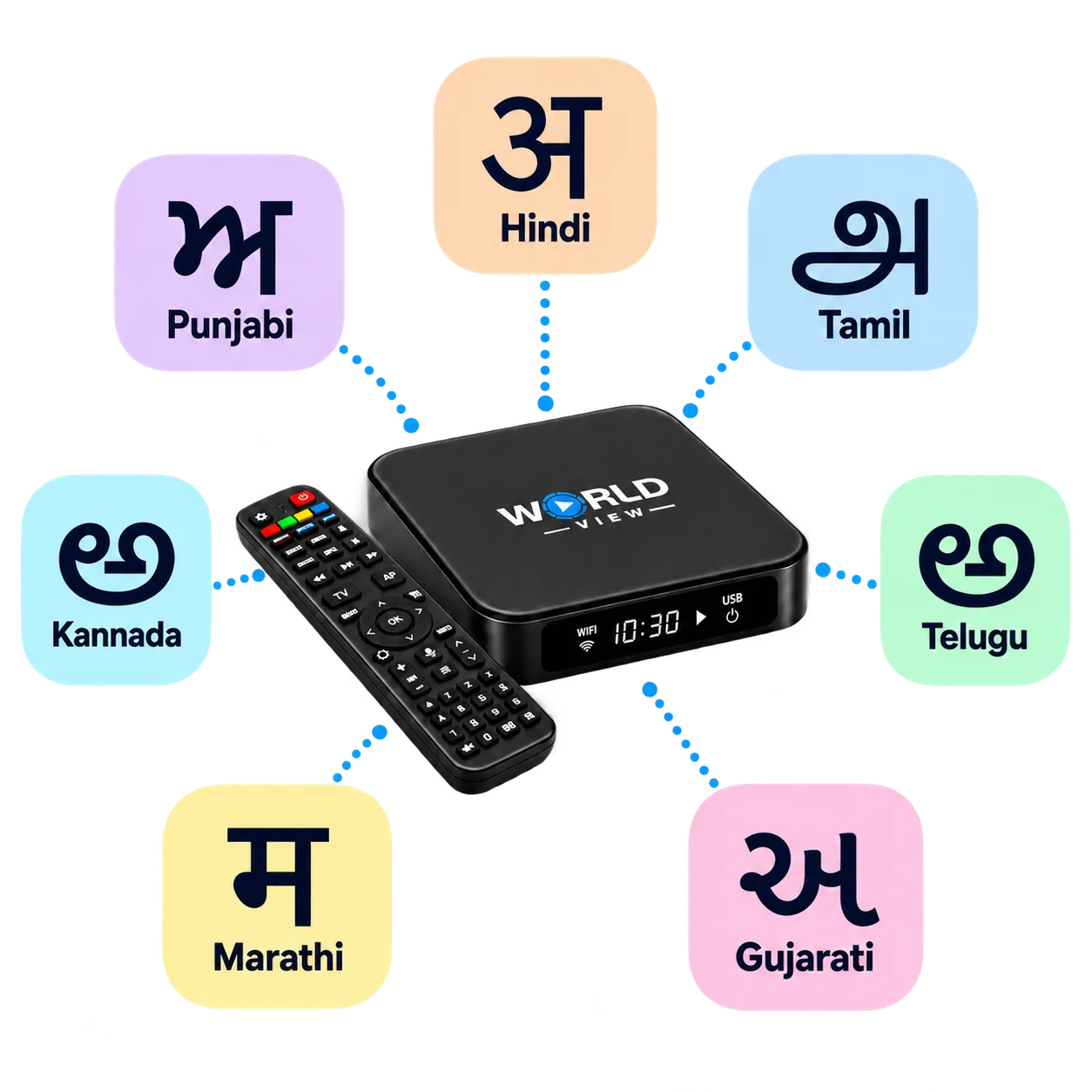
World View HD is a multilingual IPTV box for homes in Australia. It plays live TV, movies, series and dramas in 15+ South Asian and international languages, including Hindi, Punjabi, Tamil, Urdu and Swahili. Each person in your household can watch in the language they know best.
IPTV delivers television over your home internet, so you need no aerial or satellite dish. The result is a set-top box that keeps your culture and your family’s languages in one place.
Languages Available on World View HD
World View HD includes Hindi, Punjabi, English, Urdu, Tamil, Telugu, Gujarati, Malayalam, Marathi, Kannada, Bengali, Persian, Odia, Pashto, Nepali, Sri Lankan (Sinhala) and Swahili. Every language offers live TV, movies, series and dramas. Find your family’s languages below.
-
Hindi
Kids' showsFollow serials, news and movies in Hindi.
Popular channels include Zee TV, Star Plus and Sony TV.
-
Punjabi
Kids' showsEnjoy Punjabi music, shows and movies from home.
PTC Punjabi, Zee Punjabi and 9X Tashan are popular picks.
-
English
Kids' showsChoose English for news, movies and kids' programs.
Popular channels include NDTV 24x7, WION and Times Now.
-
Urdu
Catch dramas, news and talk shows in Urdu.
ARY Digital, Geo TV and Hum TV are favourites.
-
Tamil
Kids' showsWatch Tamil serials, films and news.
Sun TV, Vijay TV and Zee Tamil are popular channels.
-
Telugu
Kids' showsKeep up with Telugu serials, movies and news.
Popular channels include ETV Telugu, Star Maa and Gemini TV.
-
Gujarati
Find Gujarati dramas, news and family entertainment.
Colors Gujarati, Zee 24 Kalak and TV9 Gujarati are popular picks.
-
Malayalam
Stream Malayalam serials, shows and films.
Asianet, Mazhavil Manorama and Zee Keralam are favourites.
-
Marathi
Watch Marathi serials, news and entertainment.
Star Pravah, Zee Marathi and Colors Marathi lead the lineup.
-
Kannada
Enjoy Kannada serials, movies and news.
Popular channels include Zee Kannada, Colors Kannada and Udaya TV.
-
Bengali (Bangla)
Kids' showsFollow Bangla dramas, news and movies.
Colors Bangla HD, Zee Bangla and Star Jalsha are popular picks.
-
Persian (Farsi)
Watch Persian entertainment and news.
Manoto, GEM TV and BBC Persian are popular channels.
-
Odia
Find Odia serials, news and movies.
Tarang TV, Zee Sarthak and OTV are favourites.
-
Pashto
Stream Pashto shows, music and news.
AVT Khyber and Pashto 1 are popular channels.
-
Nepali
Watch Nepali news, music and entertainment.
Kantipur TV, Himalaya TV and Nepal Television are popular picks.
-
Sri Lankan (Sinhala)
Enjoy Sinhala dramas, news and music.
Sirasa TV, Swarnavahini and Rupavahini are favourites.
-
Swahili (Kiswahili)
Catch Swahili news and entertainment.
Citizen TV, NTV Kenya and Azam TV are popular channels.
What You Can Watch in Every Language
Every language includes live TV, movies on demand, and series and dramas. Here is how each works.
Live TV
Live TV shows familiar channels as they are broadcast. For example, you can watch Zee TV in Hindi, Sun TV in Tamil, or Star Pravah in Marathi.
Movies on demand
The library holds 10,000+ movies in total across the whole catalogue. Bollywood releases sit beside regional cinema, such as Tollywood in Telugu, Kollywood in Tamil, Mollywood in Malayalam, and Sandalwood in Kannada.
Series and dramas
Series and dramas let you follow a story night after night. For example, one person can keep up with a Telugu serial while another settles into a Punjabi drama.
Kids' Entertainment in Six Languages
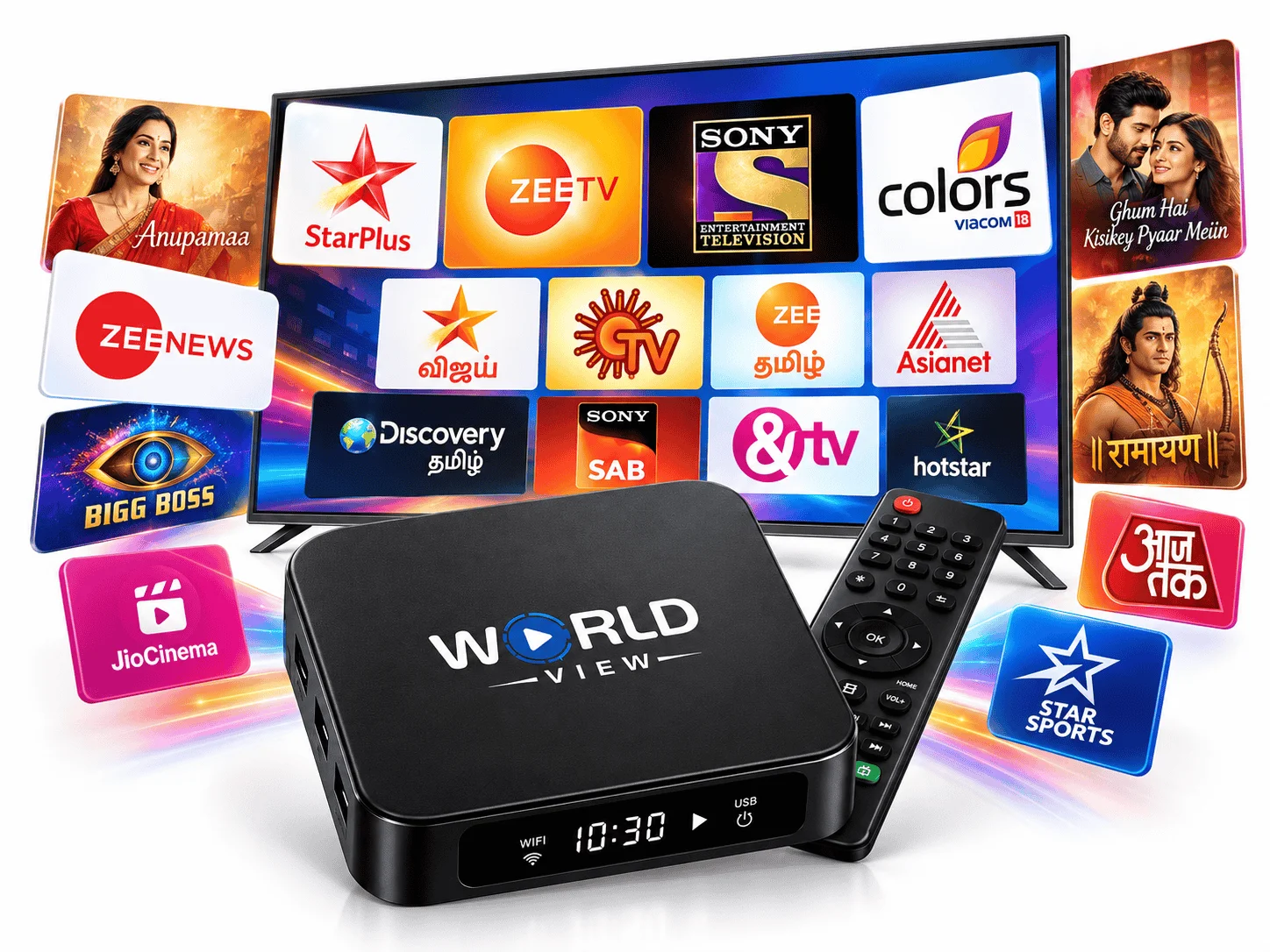
Kids’ shows are available in six languages: English, Punjabi, Tamil, Telugu, Hindi, and Bengali (Bangla). Children can enjoy programs in a language they hear at home. Grandparents, parents, and kids can also share a show because everyone follows the same story.
Switch Languages, Add Subtitles, Choose Dubbed
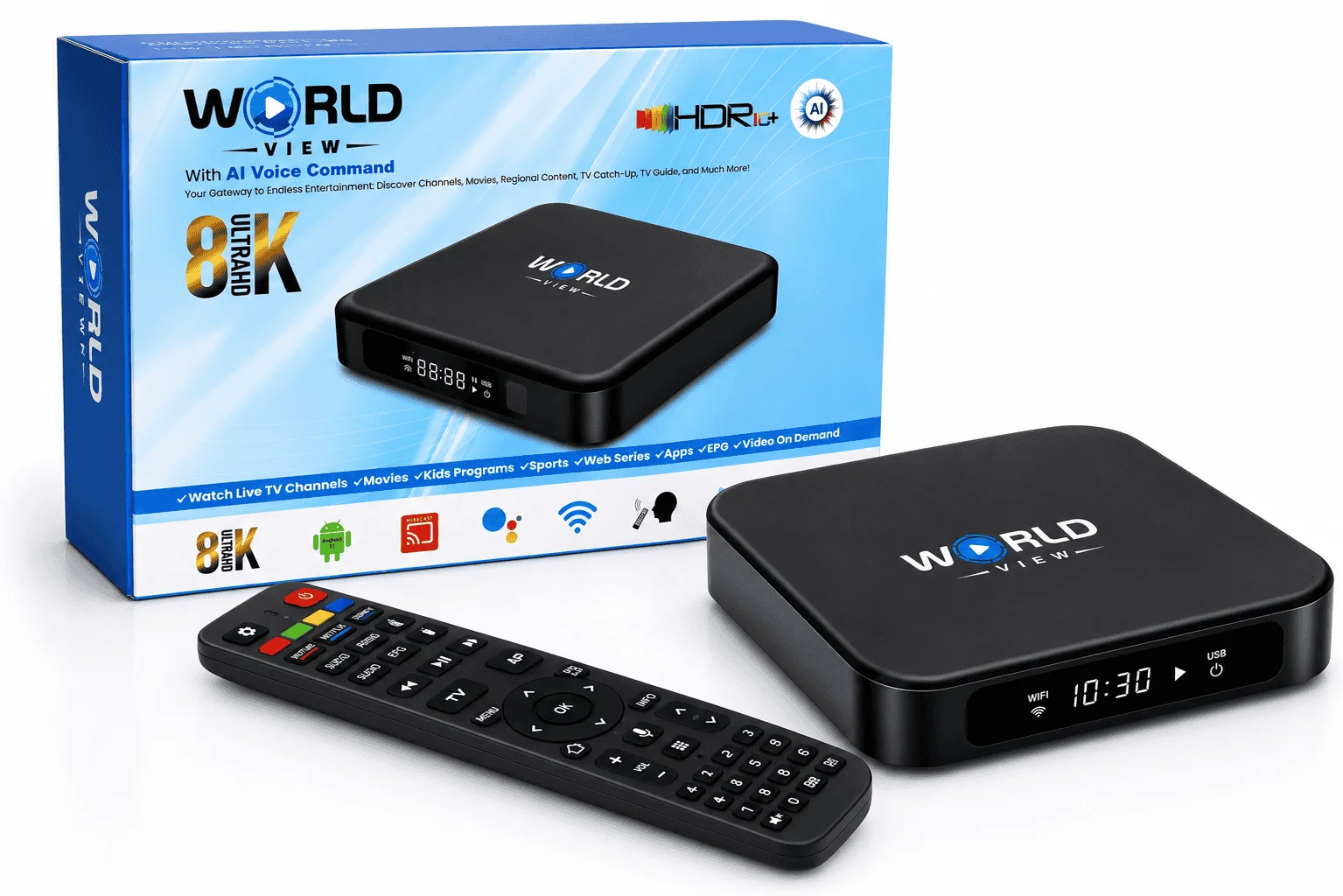
You can change the language in the Settings menu on your World View HD device. It takes four steps.
- Open Settings on your World View HD device.
- Select Language Preferences.
- Choose the language you want from the list.
- Confirm your choice.
The free World View HD app works on Android and iPhone. It lets you switch between languages in a few taps. As a result, one person can watch on a phone while another uses the TV.
Subtitles
Subtitles add on-screen text to supported titles. Family members who prefer reading can then follow along.
Dubbed versions
A dubbed version plays a title in a different spoken language. However, only selected titles offer one. Availability varies by title and language.
One Box Instead of Several Apps
An IPTV box with multiple languages replaces the mix of apps, logins and devices that many households juggle. Without it, Hindi channels might sit on one service and Tamil shows on another. With World View HD, everyone uses the same remote and screen. Parents, grandparents and kids each choose their language in one place.
FREQUENTLY ASKED
Curious About World View HD? We've Got You Covered
Can one TV box play different languages for different family members?
Yes. World View HD carries 15+ languages with live TV, movies, series, and dramas in each. Family members can switch to their own language on the TV or in the app.
Can I check a channel before buying?
Yes. Message us on WhatsApp at +61 422 540 275, or call +61 2 8311 6939. Tell us the channel or language you want, and we will confirm it.
Do you ship outside Australia?
Yes. We ship to Australia, New Zealand, the USA, Canada and worldwide.