
IPTV Box Australia: Easy Setup by World View HD in Minutes
Home »
Setting up an IPTV box in Australia doesn’t have to feel like a project. World View HD makes it easy, connect the box to your TV with one HDMI cable, and most households have it running in minutes. No smart TV needed, no technician required. Just plug it in, join your Wi-Fi, and you’re watching.
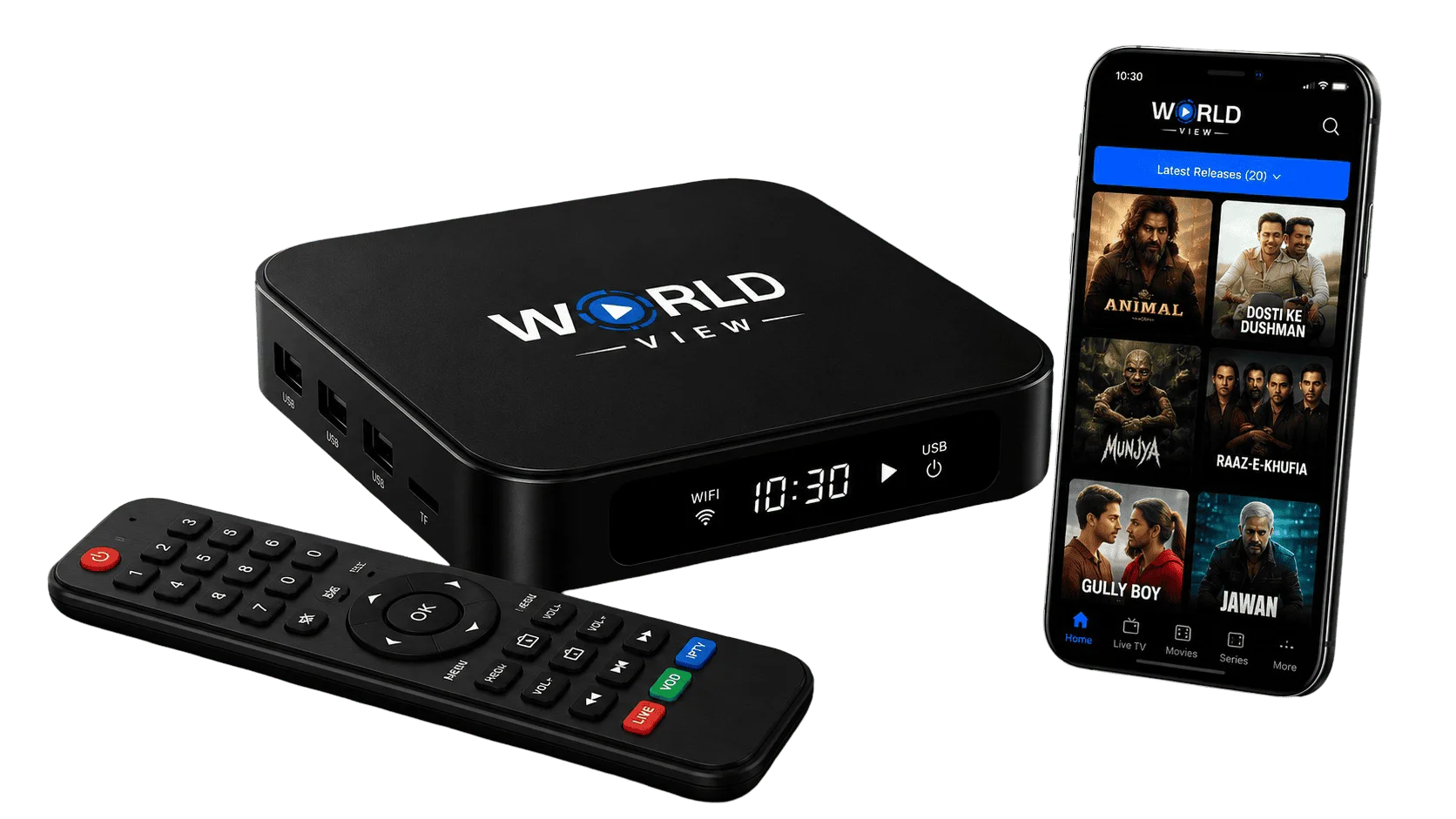
Why choose Worldview HD
Global Entertainment at Your Fingertips
You get international channels, Bollywood, plus regional programming in Hindi, Tamil, and Malayalam, all through one interface. No switching between separate apps for different languages.
A Streaming Device Built for International Channels
If home is somewhere else, World View HD tries to bring a piece of it back. Live TV, movies, and regional shows from South Asia and beyond, through the same setup you’d use for anything else.
Advanced Technology, Kept Simple
User-Centric Interface
Finding something to watch shouldn’t take longer than deciding what to watch. That’s really the whole design goal here, whether you’re flipping through live channels or browsing on-demand.
Set Up in Minutes
Most IPTV boxes come down to three steps, and World View HD doesn’t try to reinvent that.
Connect the box to your TV with the included HDMI cable. Join your home Wi-Fi, this part takes about a minute once you’ve typed in your password. Power it on, follow the prompts, and you’re done.
No smart TV required, since the box does that job itself. No tech background needed either, it’s the same kind of setup you’d do for any new device. And if something doesn’t click, support’s a message away on live chat, email, or WhatsApp.
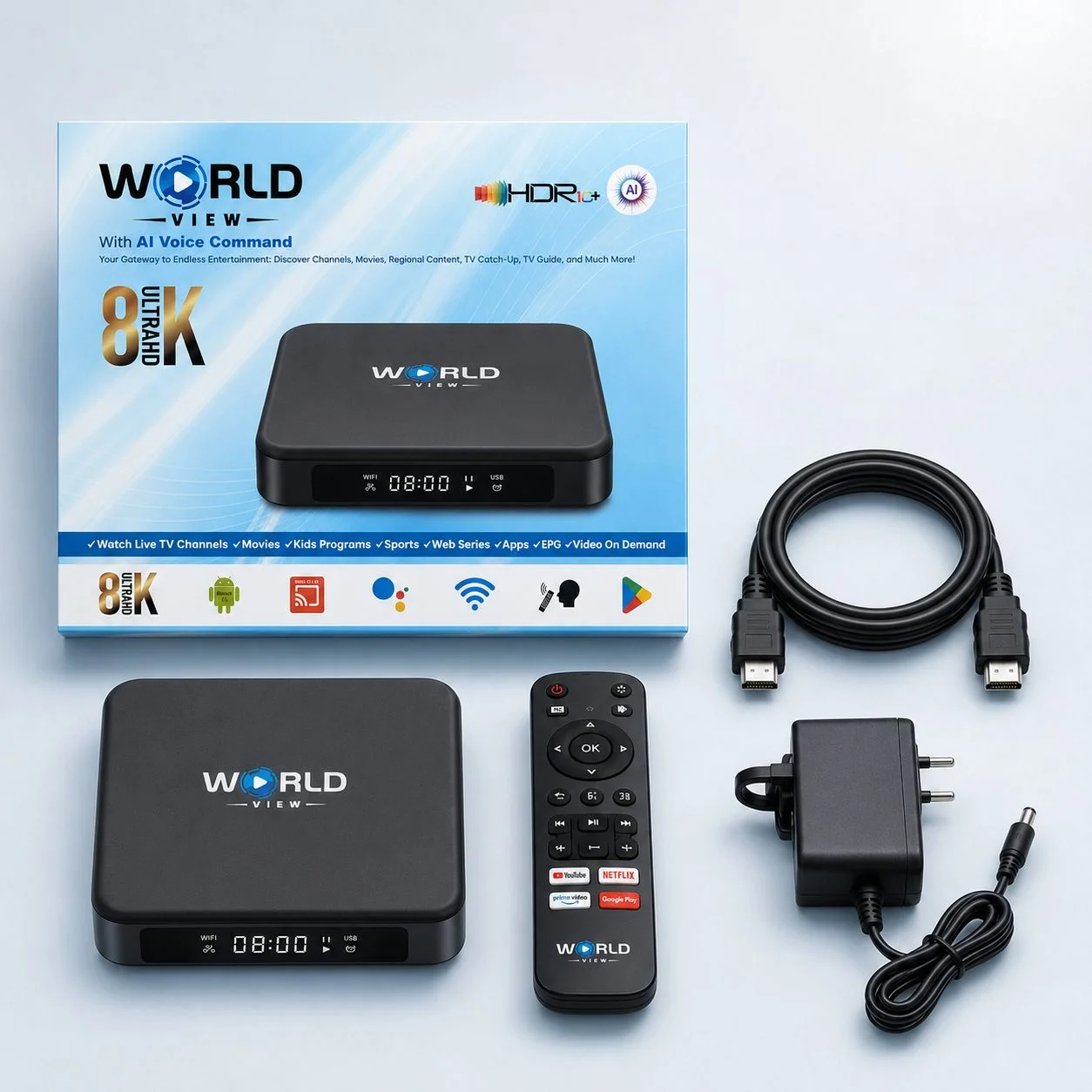
World View HD Box Features & Specifications

Bluetooth 5.0
Pair your remote or accessories quickly, without cables getting in the way.

USB 2.0 Port
Plug in external storage or accessories directly, giving you more ways to use the box.
Fiber-Ready Connectivity
Works with fibre internet connections for a more stable everyday streaming experience.

Smooth Playback
Built to reduce interruptions during streaming, so you can stay focused on what you’re watching.

Screen Mirroring (Miracast)
Cast content from your phone straight to your TV, no extra cables required.

TF Card Support
Expand storage for offline content or personal files.

Regional Content Support
Switch between languages and regions without leaving the main interface.
Dual-Band Wi-Fi (2.4GHz/5GHz)
Connects to your home network on whichever band gives you the stronger signal.

Android-Based Platform
Runs on Android, so the interface will feel familiar if you’ve used a smartphone or tablet before.

AVI Video Support
Plays a wide range of video file formats without extra conversion steps.

High-Definition Display
Delivers a clear, sharp picture for everyday viewing.

Voice Command Software
Search for channels and shows by speaking into your remote, instead of typing.
World View HD wasn’t built for tech enthusiasts. It was built for whoever’s setting up their first IPTV box on a Tuesday night after work. If that’s you, you’re the exact person this was designed for. The setup follows the same logic as plugging in any home device, so nobody in the house needs to be “the tech person” to get it running.
24/7 Live Support
Enjoy round-the-clock online support through Live Chat and Email.
VIDEO ON DEMAND
Stream full seasons of the top TV shows, the latest hit movies, children’s shows.
All Devices Supported
Our IPTV service supports a wide range of devices, including Smart TVs.